Go to CPSTDocs
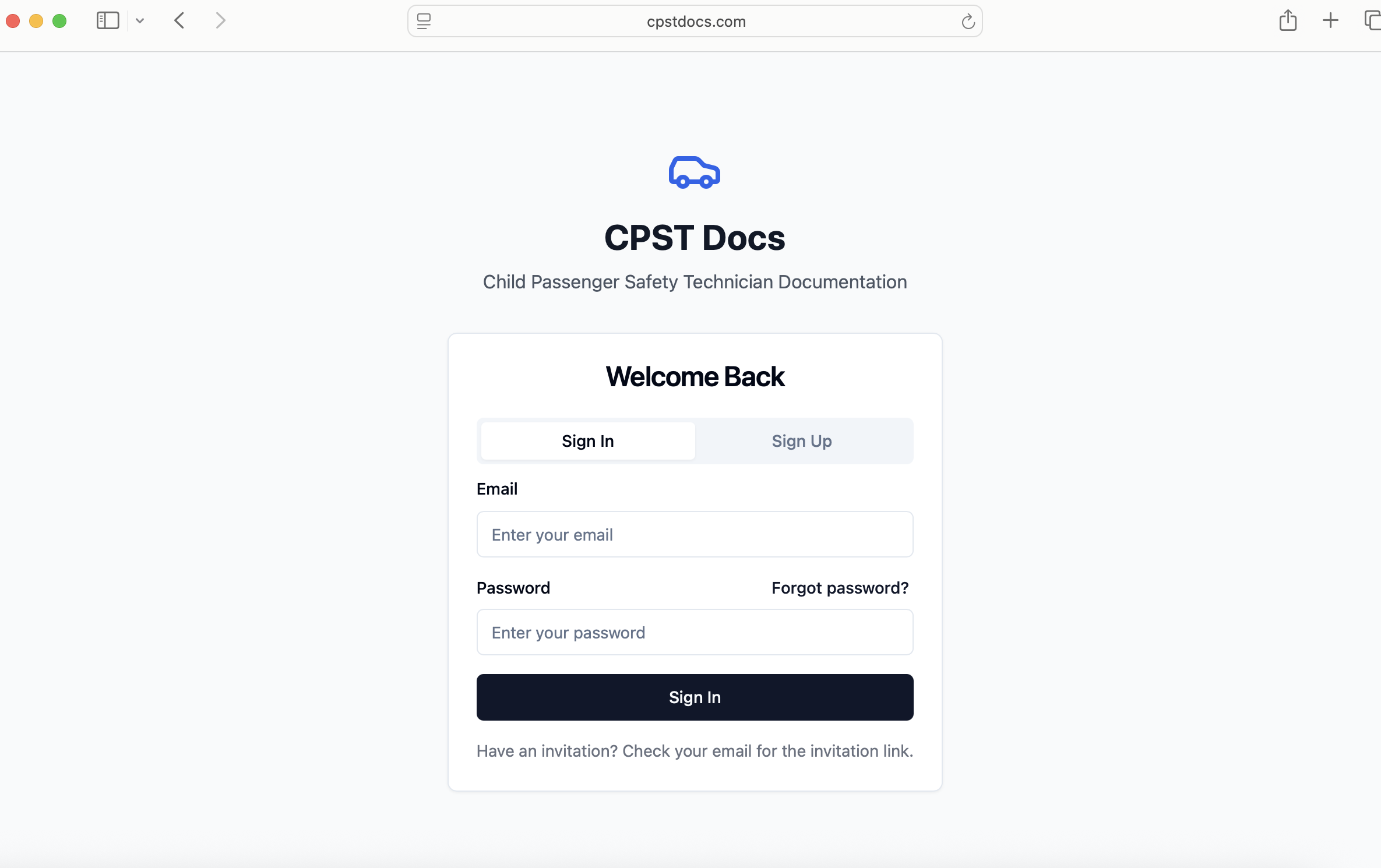
On the login page, select Sign Up.
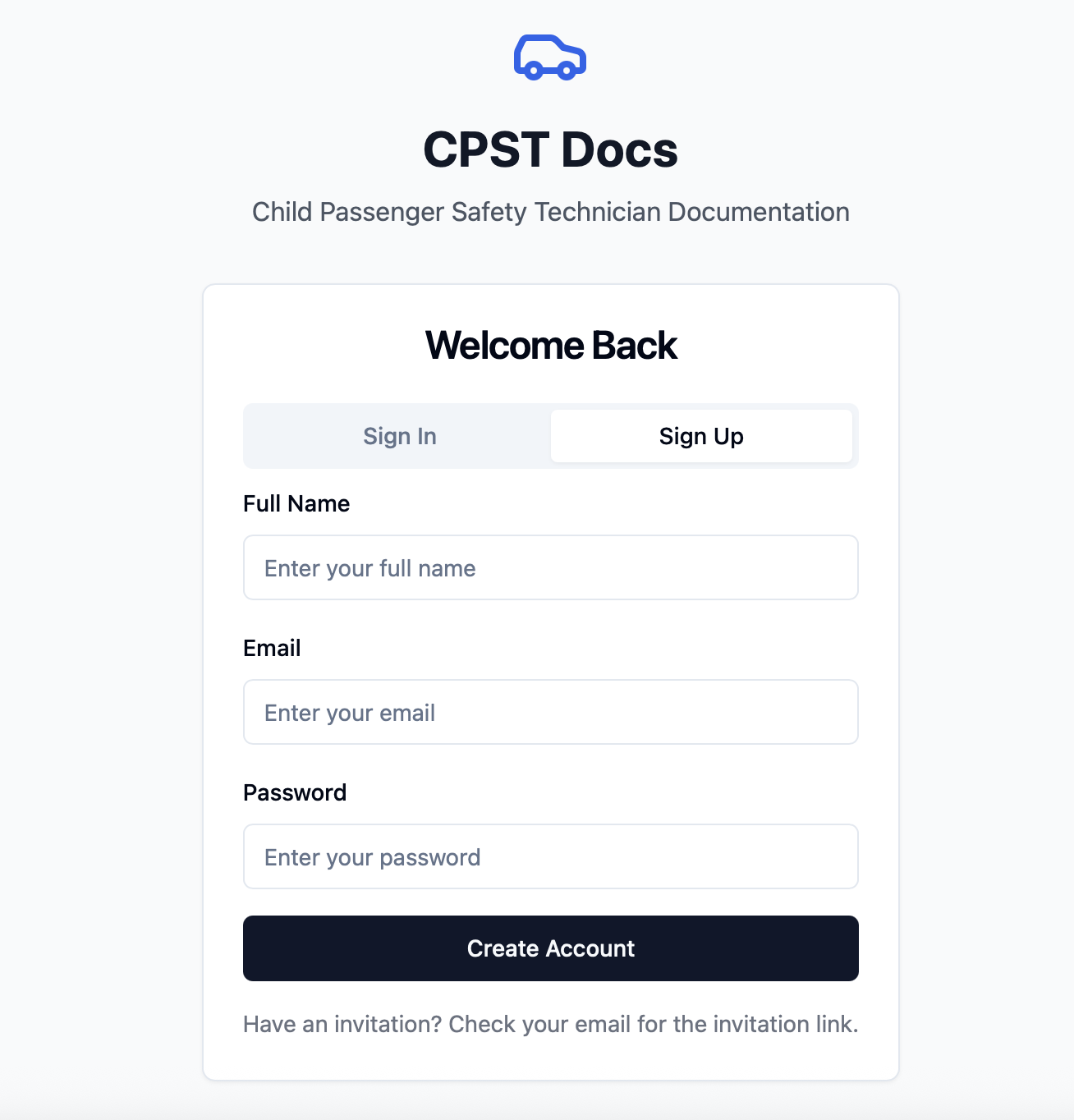
Use the same email address you provided during your ACRI training or provider registration.
Create a secure password.
Fill in your name and email.
You’ll receive a confirmation email from CPSTDocs.
Open the email and click Verify to activate your account.
Return to the CPSTDocs login page.
Enter your email and password.