
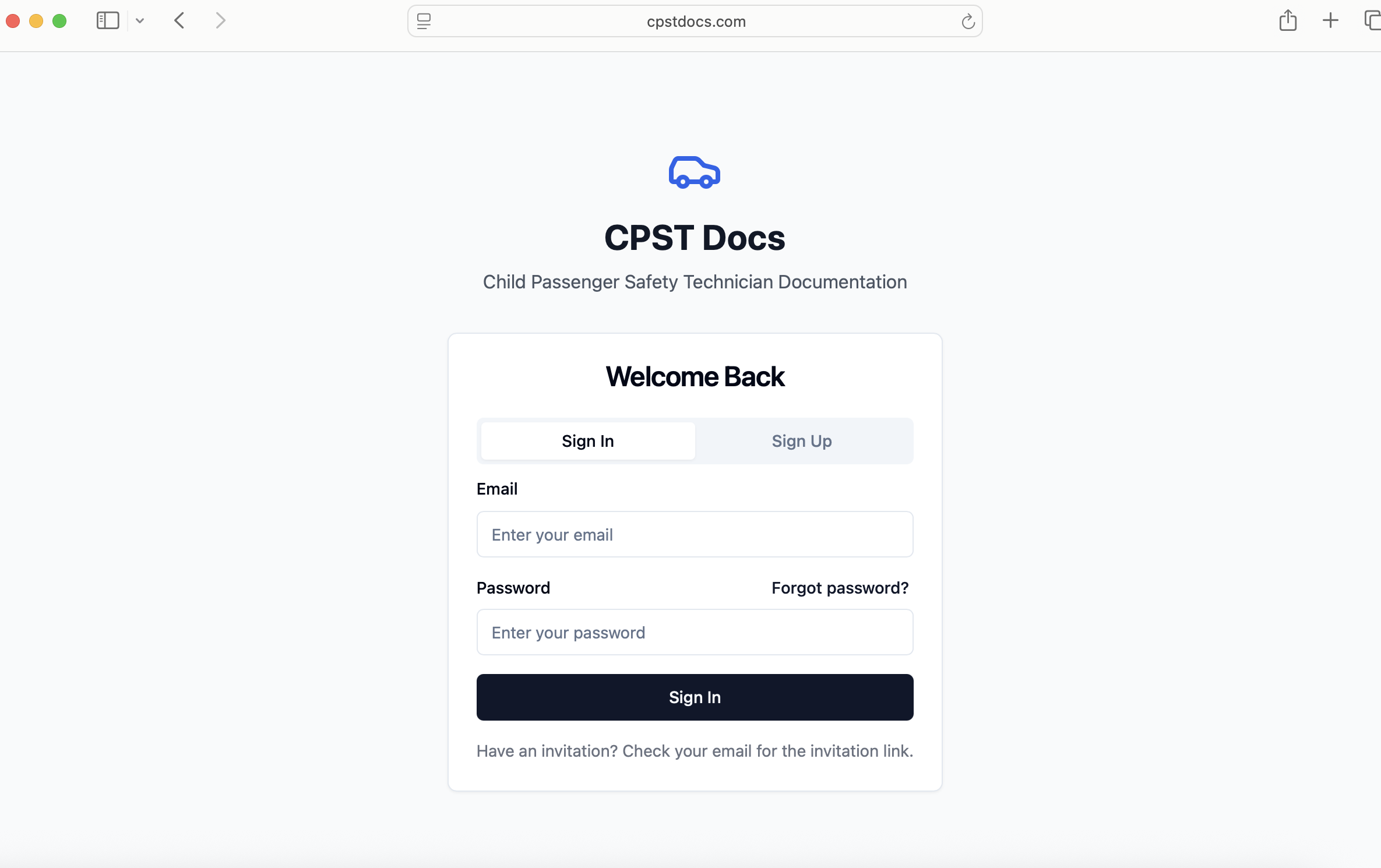
1. Go to the CPSTDocs Portal
Open CPSTDocs.
2. Enter Your Login Details
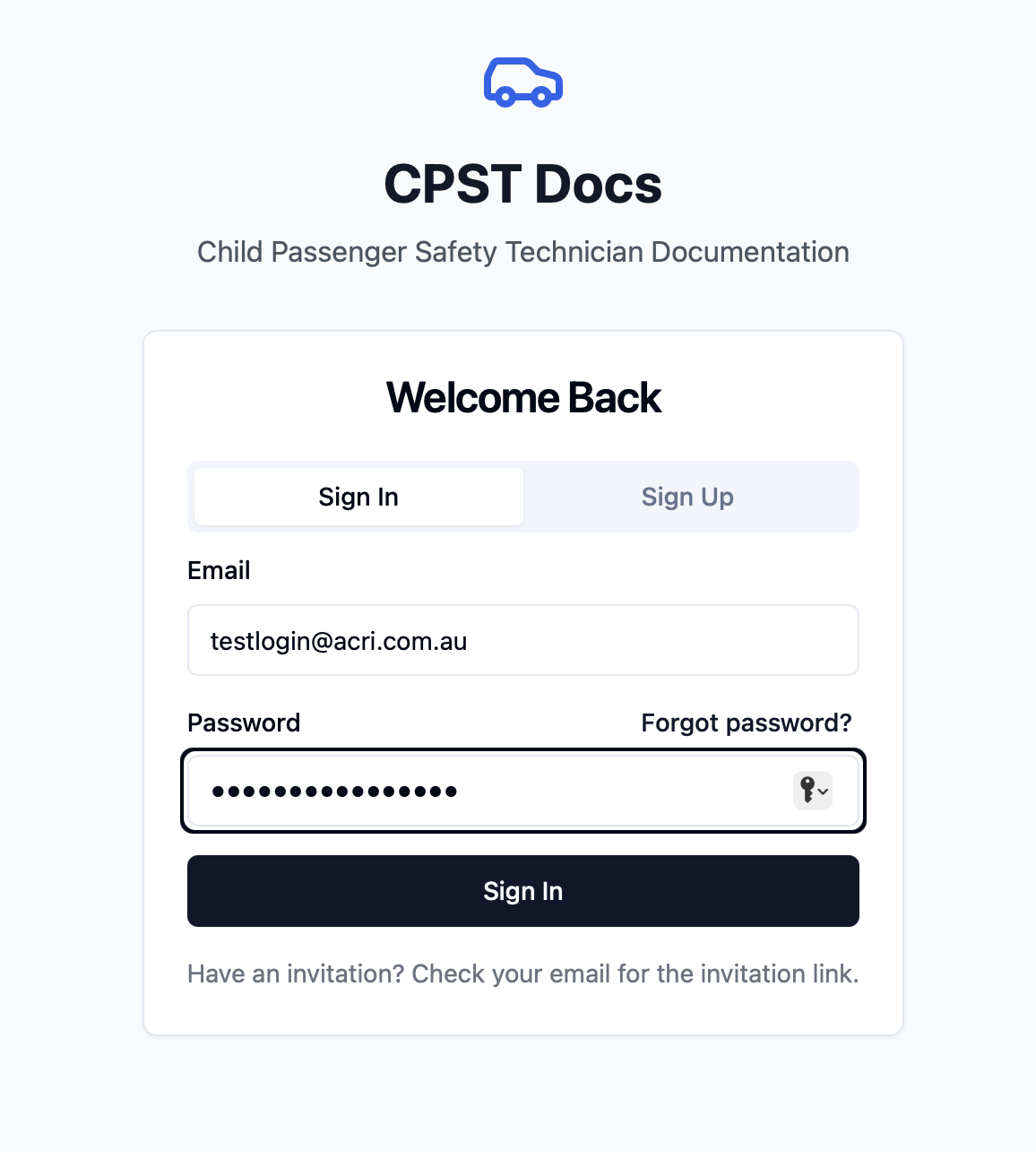
Type in the email address you used when creating your account.
Enter your password.
3. Click Sign In
Press the Sign In button to access your account.
💡 Tips & Troubleshooting
Forgot Password? Click “Forgot Password” on the login page to reset it.
Wrong Email? Ensure you’re using the same email address linked to your training or provider registration.
Still Can’t Log In? Contact ACRI support at [email protected] for assistance.